
A two-copper-port converter solves a very particular edge-network problem: you need to put two local Ethernet devices onto one Gigabit fiber uplink without replacing the existing copper endpoints. That is the role of the OPTONE OPT-2202 family, specified as 2 × 10/100/1000M TX and 1 × 1000M FX/SFP. For international network projects, the port count is only the start. Fiber mode, interface type, the device at the far end, installation format, and the ordered variant all need to match before equipment is released to site.
OPTONE Technology Limited, a Shenzhen manufacturer established in 2003, supplies optical transceivers, fiber media converters, AOC/DAC cables, and Ethernet switches to infrastructure buyers in more than 80 countries. Its OPT-2202 copper-to-fiber Gigabit conversion architecture describes the practical conversion path at the product level: two 10/100/1000M twisted-pair Ethernet connections are presented locally, while a 1000M fiber or SFP connection carries the uplink. It is not a substitute for confirming the exact ordered interface and optical configuration. That confirmation is what prevents mismatched optics and avoidable return visits.
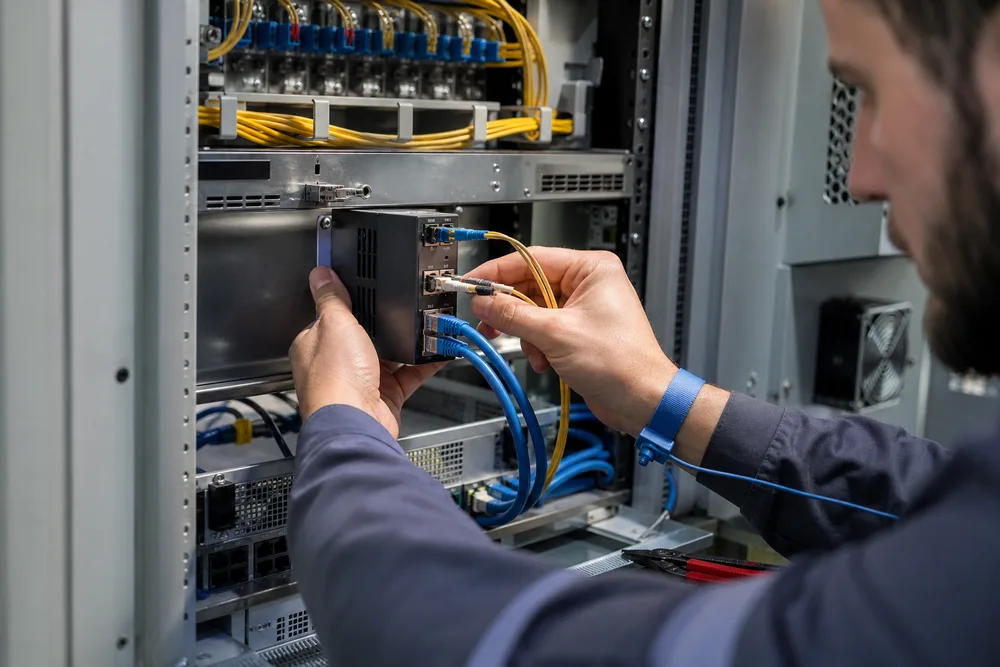
Key Takeaways for Selecting OPTONE OPT-2202 2-Port Gigabit Media Converters
- OPT-2202 is intended for two 10/100/1000M copper TX connections and one 1000M FX/SFP fiber-side connection.
- Confirm the exact fiber interface, optical type, connector or SFP arrangement before placing a project order.
- Match the remote device to the local fiber path; a compatible connector alone does not establish an optical link.
- Choose standalone, chassis, industrial, PoE, or managed equipment according to the site rather than buying on port count alone.
The OPT-2202 is a sensible choice where two nearby copper devices share a single fiber handoff: a pair of edge devices in a cabinet, a local controller and camera-side network device, or two existing Ethernet endpoints that do not justify a larger access switch. Its copper side supports 10/100/1000M TX, so legacy Fast Ethernet equipment can sit alongside Gigabit-capable equipment. The fiber-side connection is 1000M FX/SFP, subject to the chosen version.
Buyers often make the wrong comparison here. They compare two ports against one port, then stop. The more consequential question is how the installed fiber is terminated and what is already operating at the far end. An SC connector, an SFP-based interface, multimode fiber, and single-mode fiber are not interchangeable labels. Ask for the datasheet tied to the exact part number, then check the link as a pair from local converter to remote converter or switch port.
OPT-2202 Configuration Guide: 2× 10/100/1000M TX to 1× 1000M FX/SFP Fiber Conversion
The two TX ports are the copper-facing side of the deployment. They accept Ethernet connections from local equipment, while the single 1000M FX/SFP side takes traffic onto fiber. OPTONE describes this range for conversion between copper Gigabit Ethernet and 1000Base-SX/LX fiber, with multimode or single-mode options and SC-type or SFP configurations depending on model. That wording matters: do not assume every OPT-2202 ordering option has the same fixed connector or optical arrangement.
For a clean specification, document the endpoint rather than writing “Gigabit converter” on a purchase request. Include the installed fiber type, connector at each end, expected counterpart equipment, and any need to select an SFP. If you use an SFP version, the transceiver is part of the link design, not an accessory to choose later. Its fiber type and optical characteristics must suit the cable plant and the module or port at the remote end.
How OPT-2202 Differs from the One-Copper-Port OPT-2200 Series
The practical distinction is local copper density. OPT-2202 provides two 10/100/1000M TX ports to one 1000M fiber-side connection; the OPT-2200 series is the one-copper-port alternative. Choose OPT-2200 where one device needs fiber extension. Choose OPT-2202 where two devices genuinely need to share that fiber uplink. Do not treat the second copper port as a casual expansion port without checking the traffic profile. Two busy local devices still converge onto one Gigabit fiber connection, and an uplink can become the limiting point long before either copper port does.
Media Converter Selection Table: Fiber Interface, Fiber Type, Connector/SFP, Format, Management and Counterpart
| Selection item | What to confirm | Project consequence |
|---|---|---|
| Fiber interface | 1000M FX or SFP version for the exact OPT-2202 SKU | Determines fixed fiber presentation versus module-based selection. |
| Fiber type | Multimode or single-mode cable plant | An optical mismatch will prevent a usable link. |
| Connector or SFP | SC-type interface where applicable, or the required SFP configuration | Avoids patching and module incompatibility on site. |
| Format and management | Standalone or chassis requirement; managed function if required | Sets cabinet layout, monitoring approach, and service procedure. |
| Counterpart | Remote converter, switch fiber port, or compatible optical module | Both ends must be designed as one optical channel. |
How to Specify the Correct Fiber Media Converter for an International Project
International rollouts fail on details that are easy to miss in a sample test. A contractor may have an SC-terminated multimode patch lead in one building and an SFP-based single-mode uplink in another. A purchasing team may order a physical interface correctly but omit the remote counterpart information. The converter arrives, powers up, and never establishes the fiber link. That is not a product failure; it is an incomplete link specification.
Use this sequence before requesting a quotation for fiber media converters from OPTONE:
- Identify the local endpoints. Record the number of copper devices, their Ethernet interface needs, and why two TX ports are required.
- Audit the fiber plant. Confirm single-mode or multimode fiber, existing termination, connector type, and the physical route between endpoints.
- Define the remote end. State whether the link terminates on another converter, a switch fiber port, or an SFP-equipped device.
- Set the installation condition. Establish whether the project needs standalone units, a central chassis, industrial equipment, PoE capability, or management visibility.
- Request the exact SKU documentation. Have OPTONE confirm the applicable datasheet, interface arrangement, commercial terms, and availability before release.
For cross-border projects, retain this information in the bill of materials and label each endpoint pair. It makes commissioning faster and gives field teams a usable record when a converter is replaced years later.
OPTONE Media Converter Portfolio for Standalone, Chassis, Industrial, PoE and Managed Deployments
OPTONE’s range extends beyond the OPT-2202 configuration. The portfolio includes commercial and industrial media converters, PoE models, WDM products, 10G options, managed converters, fiber-to-fiber devices, standalone units, and chassis-based systems. That breadth is useful only if you select by operating need. A small remote enclosure and a concentrated equipment room have very different service and space requirements.
Standalone units suit distributed endpoints where one converter sits close to the equipment being extended. Chassis-based products make more sense where many converter cards are concentrated and central replacement access matters. Industrial variants should be considered where the environmental conditions call for equipment intended for harsher locations; confirm the required operating conditions against the exact product documentation. PoE is for projects where power delivery to an endpoint belongs in the link design, while managed products are for teams that need visibility or control features rather than a simple conversion point.
A fiber switch may be the better answer if the location needs several fiber or copper ports, local traffic handling, and a growth path. For a focused conversion job, explore the relevant OPTONE media converter range before paying for switch capacity you will not use.
Fiber Media Converter FAQ for Network Integrators, ISPs and Enterprise Buyers
These are the questions that should be resolved in technical submittals, not left to the installer at commissioning. The answers assume the supplied OPT-2202 configuration and should be checked against the datasheet for the exact ordered variant.
What does a 2-port Gigabit fiber media converter do?
A 2-port Gigabit fiber media converter such as the OPT-2202 connects two local 10/100/1000M TX copper Ethernet connections to one 1000M FX/SFP fiber-side uplink. It is used to extend Ethernet connectivity over fiber while serving two copper endpoints at the local side. The fiber interface, fiber type, connector arrangement, and remote optical counterpart must be selected to suit the actual installation.
When is a media converter preferable to a fiber switch?
A media converter is preferable when you have a defined copper-to-fiber handoff and do not need the port count or broader feature set of a switch. It is commonly chosen for a small edge extension, retrofit, or point-to-point conversion. A fiber switch is usually the stronger choice where several devices need aggregation, additional uplinks are expected, or operational requirements call for switch-level functions. The mistake is buying a converter for a site that is already behaving like a small access network.
Request OPT-2202 Datasheets, Compliance Documents, Warranty, MOQ and Lead-Time Details
Send the project fiber information with your OPT-2202 request: local copper port requirement, fiber type, interface preference, connector or SFP need, remote-end equipment, and intended deployment format. Ask for the datasheet and compliance documents applicable to the exact product version, rather than relying on a family-level description. Warranty terms, minimum order quantity, packaging, production lead time, and shipping arrangements should also be confirmed in writing for the destination market.
That approach gives procurement a traceable specification and gives the installer a matched link design. It also lets OPTONE identify early if a chassis card, industrial model, PoE variant, managed converter, or a different fiber converter configuration better fits the job.
Discuss Your OPT-2202 Link Requirement
Review OPTONE fiber media converter options, then provide your fiber plant and counterpart details to request the correct documentation and commercial information.
Need help selecting the right product?
Share your switch platform, link distance and quantity with an OPTONE engineer.
Talk to an Engineer →