
That answer is intentionally conditional. An AOC vs DAC decision can’t be made from data rate alone, and the cheapest cable on a bill of materials isn’t always the least expensive link to own. The actual route, connector coding, port mode, breakout plan, power allowance, and replacement strategy all affect the result.
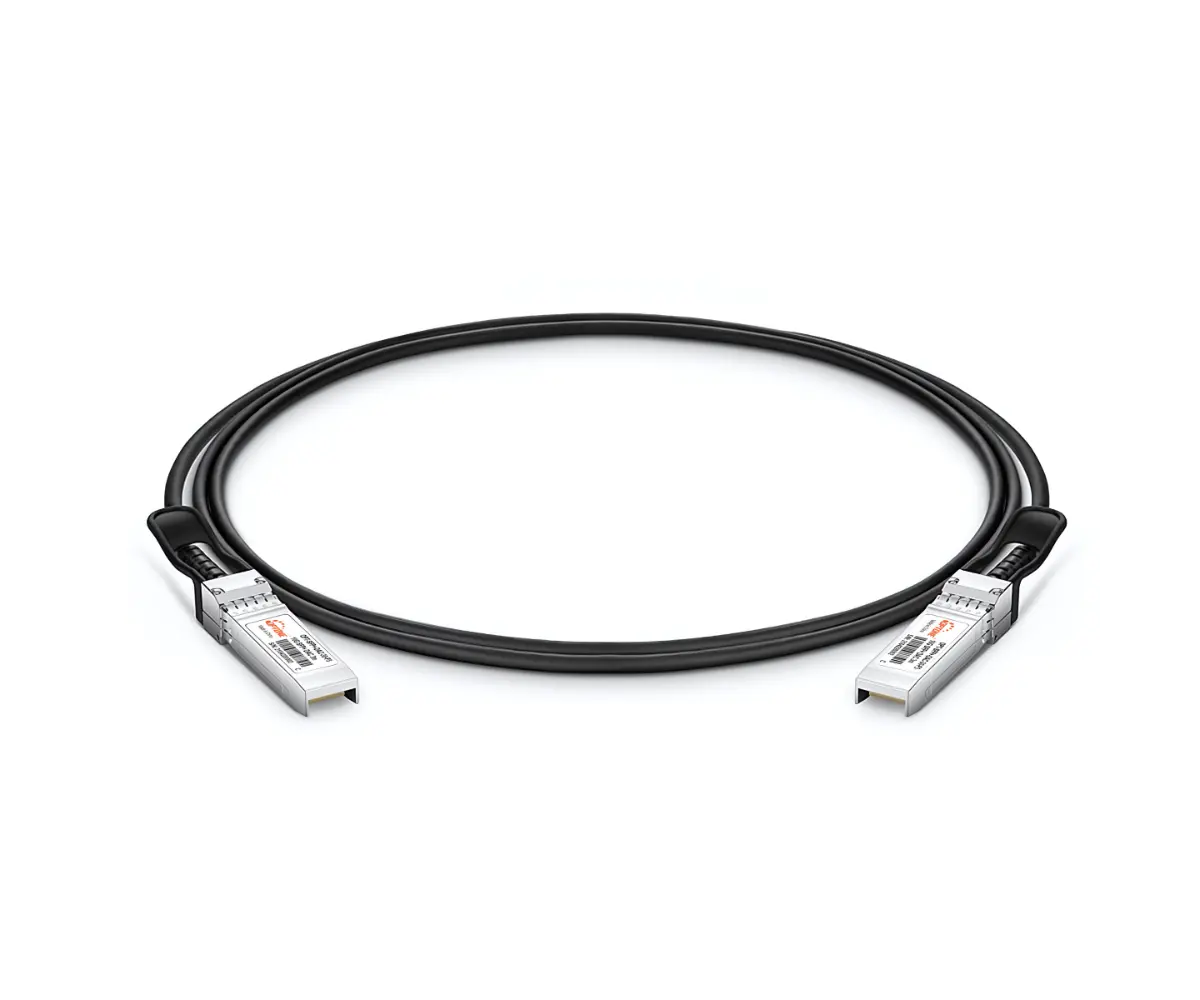
The practical default: passive DAC for the shortest supported runs, active DAC for extended copper reach, and AOC when routing or reach dominates
Passive direct-attach copper is the sensible starting point for short server-to-switch and adjacent-switch connections. It has no active signal-conditioning components in the cable assembly, generally draws little or no cable-specific power, and usually carries the lowest acquisition cost. Its limits are physical and electrical: higher data rates and longer lengths make insertion loss harder to manage, while thicker cable can obstruct airflow or overload crowded cable managers.
Active DAC adds electronics to help the electrical signal travel farther than a comparable passive assembly. That extension comes with conditions. The host must support the cable’s electrical implementation, coding, power demand, and link behavior. Product terminology also needs scrutiny: an active DAC, active copper cable, and active electrical cable aren’t automatically interchangeable descriptions. Ask the supplier which specification and host requirements apply to the quoted assembly.
An active optical cable converts the electrical interface at each end to an optical path within a fixed cable assembly. AOCs are commonly thinner and lighter than copper assemblies of comparable reach, making them useful where routes cross racks or cable density is high. They still have bend, pull, crush, power, and compatibility limits. Because the optical engines and fiber are permanently attached, a damaged cable or failed end normally means replacing the whole assembly rather than swapping a patch cord or transceiver.
Map the physical link before selecting the cable technology
Start with the installed route, not the distance between the two ports as viewed from the aisle. A straight-line estimate ignores vertical travel, horizontal managers, cabinet entry points, routing around power distribution equipment, and the slack needed to service hardware. Those omissions are why apparently simple short links arrive too short or are installed under tension.
Determine the installed length from the actual rack positions, pathway, and service-loop requirements
Record the rack, rack unit, port position, and intended pathway for both endpoints. Trace the cable through every manager and overhead or underfloor section it must use. Include a controlled service loop where equipment may need to slide, pivot, or be removed without disconnecting neighboring links. Don’t add arbitrary excess. Oversized copper coils consume pathway space, add weight, and can interfere with doors or fan exhaust.
Measure representative routes for each cabinet pattern instead of assuming one length fits an entire row. A top-of-rack switch connecting to a server near the bottom of a cabinet needs a different assembly from one connecting to the upper rack units. Cross-rack routes vary again depending on ladder rack placement and whether cables must enter cabinets from above or below.
Use the supplier’s available lengths and tolerances when producing the schedule. An assembly that fits on paper may not fit after accounting for connector bodies and the section near each end that can’t be bent sharply. If your deployment depends on an exact fit, request a sample and install it in the least forgiving route before releasing the full order.
Check cable bulk, bend limits, airflow, pathway capacity, and port density against vendor documentation
Copper bulk becomes noticeable long before a pathway looks completely full. Bundled DACs can restrict access to latches, press against adjacent connectors, load the switch faceplate, and obstruct server exhaust. The issue is especially visible around high-density switch ports, where several heavy cables turn into the same manager. Cable gauge and outside diameter vary by data rate, length, and design, so generic diameter assumptions aren’t useful for procurement.
AOC avoids much of that copper mass, but it isn’t a license for careless routing. The fiber section can be damaged by tight bends, crushing, snagging, or excessive pulling force. Minimum bend radius, maximum tensile load, connector dimensions, and any restrictions near the cable ends should come from the assembly documentation. The connector shell still has to pass through the intended pathway; a thin cable doesn’t help if its fixed end can’t fit through a brush panel or conduit.
Check airflow with the cables installed and dressed, not hanging loose during staging. You should also confirm that labels, pull tabs, and strain-relief boots remain accessible. If technicians must bend one cable out of the way to release another, future maintenance will create avoidable damage.
AOC, passive DAC, and active DAC compared by reach, routing, power, compatibility, maintenance, and cost
The useful comparison is between assemblies qualified for the same endpoints, interface, and rate. A generic category comparison can point you in the right direction, but it can’t approve a purchase.
| Decision factor | Passive DAC | Active DAC | AOC |
|---|---|---|---|
| Typical selection role | Shortest supported electrical links | Longer copper links where the host supports the active design | Longer or routing-sensitive links using an optical path |
| Reach | Most limited and highly dependent on rate and platform loss budget | Greater than comparable passive copper in supported applications | Usually favored when the required route exceeds practical copper reach |
| Routing | Can be stiff, bulky, and heavy, particularly in dense bundles | Still uses copper and retains many copper-routing constraints | Generally thinner and lighter, but sensitive to bend, pull, and crush damage |
| Power | Usually the lowest cable-related demand | Requires power for active components | Requires power for electrical-to-optical conversion at the ends |
| Compatibility | Must match host coding, electrical interface, rate, and port mode | Adds active-electronics and host-power requirements | Must match coding, optical-engine behavior, rate, and port mode at both ends |
| Maintenance | Simple fixed assembly, but bulky routing may complicate moves | Fixed assembly with electronics that must be diagnosed as part of the link | Fixed optical assembly; damaged fiber or a failed end generally requires full replacement |
| Initial cost tendency | Often lowest for supported short links | Usually higher than passive copper | Often higher than passive DAC, though route and rate affect the quote |
Those tendencies aren’t purchase specifications. Cable length, connector form factor, production volume, coding, test requirements, and commercial terms can change the ranking. For sourcing, compare exact part descriptions from an AOC and DAC cable supplier, not category-level price lists.
Power, heat, latency, and signal integrity should be assessed from platform data—not category assumptions
Passive DAC normally has the simplest signal path, but that doesn’t prove it will close the channel on a given platform. The host serializer/deserializer, PCB traces, cage, connector, cable loss, FEC settings, and firmware all contribute to link performance. A marginal passive link can produce corrected errors or intermittent faults even though the cable appears to establish link.
For active DAC and AOC, request typical and maximum power consumption for the exact assembly and clarify whether the figure is per end or for the complete cable. Then compare it with the port power capability and the thermal assumptions in the switch or server documentation. Aggregate power matters in high-port-count systems; so does heat concentrated at densely packed cages.
Latency differences should also come from product and platform data. Passive copper avoids optical conversion and active cable processing, but the application-level consequence depends on the assembly design and the rest of the link. Don’t accept an unlabeled latency claim that fails to state the test method, traffic configuration, FEC mode, and measurement boundary.
During qualification, monitor link stability and the counters your platform exposes, including corrected and uncorrected errors where available. Test at the intended rate, port mode, cable length, operating temperature, and firmware release. A successful link light on a bench is not enough evidence for a dense production deployment.
No recommendation is defensible until the host platform, interface, data rate, breakout mapping, and required length are confirmed
A cable is part of an electrical and software-controlled system. Give the supplier both endpoint models, line-card or adapter details, operating-system or firmware versions, port configuration, and measured length. If either endpoint may change during the project, qualify that second configuration before ordering volume.
Match both endpoints by form factor, host coding, protocol, and data rate; “100G” or “400G” alone is not a compatibility specification
Labels such as 100G and 400G describe aggregate rates, not a complete interface. The two ends still need matching physical form factors, electrical lane arrangements, protocol support, FEC behavior, and port configuration. A QSFP-family port may accept several module or cable modes, but acceptance in the cage doesn’t mean the host firmware supports the assembly.
OEM coding matters because some platforms read cable identification data and may warn about, limit, or reject an unrecognized part. Others establish link but don’t provide expected diagnostics or support status. Ask for compatibility against the exact switch, NIC, accelerator, or router model rather than a broad brand name. OPTONE states compatibility with more than 200 OEM brands, but buyers should still request assembly-specific confirmation for their hardware and firmware combination.
MSA alignment is useful because it addresses common mechanical, electrical, and management-interface expectations. It isn’t the same as host qualification. The safest procurement record ties the supplier part number to both endpoint models, required rate, port mode, coding, and length.
Confirm lane mapping and child-port support at both ends before ordering a breakout AOC or DAC
A breakout assembly divides a parent connector into multiple child connections. The physical branches are easy to see; the logical mapping is where projects fail. The parent port must support the intended breakout mode, each child endpoint must accept its assigned lane group and rate, and the operating system must expose the expected child interfaces.
Confirm the parent and child connector types, branch count, lane order, branch labels, branch lengths, and polarity or transmit/receive mapping where relevant. Check whether breakout mode requires a specific license, firmware release, configuration command, FEC setting, or port-group restriction. Some switches apply configuration across a group of neighboring ports, which can affect links outside the planned breakout.
For mixed-vendor endpoints, provide the supplier with the exact coding needed at each side. A breakout cable may require one OEM identity at the parent and a different identity on the child ends. This is a stronger requirement than asking for a generally compatible breakout AOC or breakout DAC.
Apply the framework differently to same-rack links, cross-rack runs, switch interconnects, and AI clusters
The same decision rules produce different answers as physical scale and failure impact change. A cable that is ideal behind one server rack may be awkward across a row or expensive when repeated across a large accelerator fabric.
Same-rack server-to-switch and short switch links: start with passive DAC, then test pathway and platform constraints
For a server connected to a top-of-rack switch, passive DAC deserves the first evaluation. The route is short, the cable stays within one cabinet, and low cable power and acquisition cost are valuable across many ports. Confirm that the supported passive length covers the dressed route, not just the vertical separation between devices.
Inspect cable behavior around the switch face. A bundle that looks manageable with a few ports populated can become difficult once the rack is fully cabled. Stiff copper may block neighboring pull tabs, obscure labels, or press against server rails and doors. If the required passive assembly creates those problems, active DAC may extend copper reach but won’t necessarily solve bulk. AOC becomes reasonable when routing and cable mass outweigh the simplicity of passive copper.
Short switch-to-switch links need the same discipline. Port role, breakout configuration, airflow direction, and maintenance access can matter more than the nominal distance.
Cross-rack, end-of-row, and AI fabrics: weigh AOC routing advantages against handling, replacement, and power constraints
Cross-rack routes often favor AOC because a lighter, smaller cable is easier to carry through crowded trays and repeated cabinet transitions. The benefit grows as link count rises. Still, check connector passage, bend controls, pathway protection, and the procedure for replacing a failed assembly. A fixed AOC routed through several cabinets can be laborious to remove without disturbing adjacent links.
End-of-row and switch interconnects deserve a comparison with pluggable optical transceivers and separate fiber, even if the initial question is AOC vs DAC. AOC can simplify ordering by combining cable and optical ends into one tested assembly. Separate optics and structured fiber may be easier to patch, repair, reroute, or extend over a long service life. AOC is therefore less attractive where the fiber pathway is permanent but endpoint locations change frequently.
AI clusters magnify small per-link decisions. High cable counts make copper weight, bundle size, airflow, port access, and installation labor serious design inputs. AOC can reduce pathway congestion, but its power demand accumulates and its fiber must be protected during rapid rack builds. Passive DAC remains compelling inside racks where supported. Don’t impose one cable technology across the entire fabric merely to reduce the number of part families; route classes often justify different choices.
Lifecycle cost includes installation effort, energy, spare strategy, moves and changes, failure replacement, and refresh plans
Purchase price is only the first line in AOC vs DAC total cost of ownership. Passive DAC may win that line and still create extra labor if technicians struggle with dense, heavy bundles. AOC may cost more initially but reduce pathway congestion and installation effort. Active options add power consumption that repeats for every occupied port and should be evaluated over the planned service period.
Spare strategy changes the result too. Fixed assemblies require stocking the correct length, form factor, coding, and breakout pattern. Too many custom lengths create a spare-parts problem; too few lengths leave coils in racks or cables under tension. Standardize route classes where possible, but don’t force a short assembly onto a route that barely fits.
Consider how failures are isolated. With an AOC or DAC, the cable and both ends are one replacement unit. Separate transceivers and fiber provide more replaceable elements but also more mating points to inspect and clean. For frequently changing environments, ask whether technicians can remove the complete assembly without opening crowded pathways.
Refresh plans can outweigh current savings. A cable tied to a particular form factor, lane arrangement, or host coding may not move to the next platform. If equipment will be replaced in phases, qualify the cable against old-to-new as well as new-to-new endpoint combinations. An OEM-compatible fiber connectivity portfolio can help consolidate sourcing, but written compatibility for each transition is what protects the project.
Finish with a quote-ready cable selection checklist
A useful request for quotation should let the supplier identify one exact assembly without guessing. If any item below is unknown, mark it for validation rather than filling the gap with a generic category name.
Buyer inputs: endpoint models, port types, target rate, breakout plan, measured route, environment, quantity, coding, and lifecycle expectations
- Manufacturer, model, line card or adapter, and firmware or operating-system release for both endpoints.
- Physical port form factor and the configured protocol, aggregate rate, lane mode, FEC setting, and autonegotiation requirements.
- For breakout links, the parent-port mode, child-port count, child connector type, lane mapping, branch labeling, and required branch lengths.
- Installed route length, available pathway, cabinet entry points, service-loop policy, and any connector-clearance restrictions.
- Commercial or industrial operating environment, airflow direction, expected temperature range, and exposure to vibration, crushing, or frequent handling.
- Quantity by exact length and configuration, plus pilot samples and spare quantities.
- Required OEM coding at each end, including mixed-vendor coding for breakout assemblies.
- Expected service life, planned platform refreshes, frequency of moves and changes, and preferred failure-replacement procedure.
Supplier evidence: exact OEM compatibility, MSA alignment, functional and burn-in testing, warranty terms, ISO 9001 documentation, and assembly-specific RoHS, CE, FCC, or UL records where applicable
- A written compatibility statement naming the exact endpoints, firmware range, port mode, cable length, and supplier part number.
- The applicable MSA or interface alignment, along with electrical, mechanical, management-interface, and power details for the quoted assembly.
- Functional-test coverage at the ordered rate and configuration, plus a description of burn-in conditions and pass criteria.
- Typical and maximum power data, stated per end or per complete assembly, and any host power-class requirements.
- Documented minimum bend radius, pulling and crush limits, cable outside diameter, connector dimensions, and storage and operating conditions.
- Warranty duration, return procedure, failure-analysis support, advance-replacement options, and lead times for coded spares.
- Current ISO 9001 manufacturing documentation. OPTONE identifies ISO 9001 manufacturing, functional testing, burn-in testing, and OEM/ODM services as part of its supply model.
- RoHS, CE, FCC, or UL documentation tied to the exact assembly and market where those records apply—not a certificate for an unrelated product family or component.
Need help selecting the right product?
Share your switch platform, link distance and quantity with an OPTONE engineer.
Talk to an Engineer →